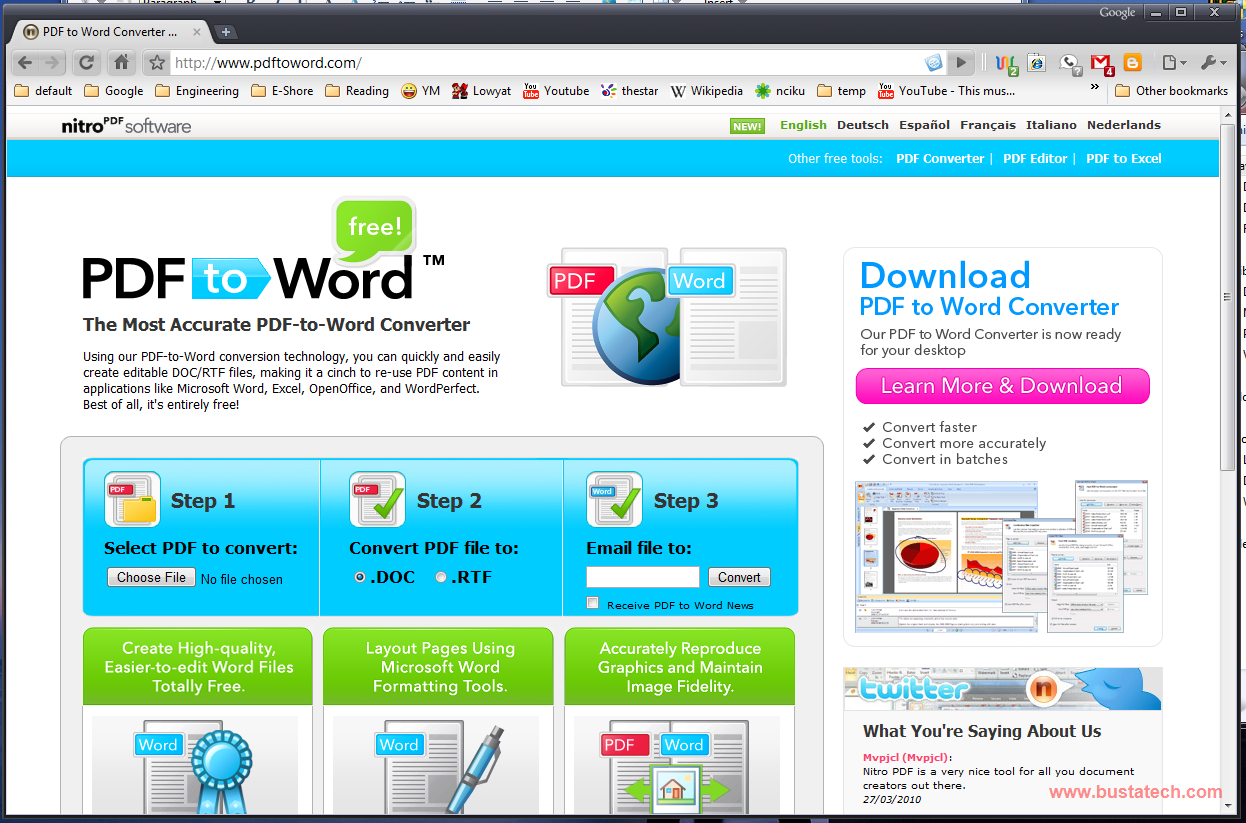
How you normally convert PDF file to Microsoft Word document? I found a very nice website, that you can convert PDF file to Microsoft Word document without the need to install a software! www.pdftoword.com
Electronics, programming, and tech tips — simple, practical, useful.
How you normally convert PDF file to Microsoft Word document? I found a very nice website, that you can convert PDF file to Microsoft Word document without the need to install a software! www.pdftoword.com

 Just insert any webpage there and push the Rotate! button, and you will “wow”..
Have you ever want to have different profile for Google Chrome? Sort like different user that have different theme, different bookmark, different history, different extension… Here is simple guide to create different profile for Google Chrome.
I will assume that you already have Google Chrome installed, or you can get it here. And the first step is to create a Google Chrome shortcut at the desktop.

I have a lot of E-Books on my PC, and I don’t have a good method to put a bookmark on the page I stop reading until I found a method to “Restore last view settings when reopening documents” for Adobe Reader 9. (Adobe Reader Download)

Someone asked me, how to get the RGB value of a color on a webpage, it can be the background color, font color, or anything, and its not limited to only webpage. Technically you can get the RGB value of the color that appear on any pixel on your computer screen. I know there is a lot of software that allow you to get the value of RGB on any pixel, but this method that I am going to show doesn’t require any software to install, it only use Microsoft Paint.
I am going to use a website as an example, and I am going to show you how to get the background color of the website. Open the website on your favourite browser.


Today I am going to show the steps on how to enable Offline Gmail. First of all, let me introduce what is Offline Gmail. Offline Gmail is a very nice feature offered by Google that enable you to synchronize your emails on your inbox to your PC. I am not sure how Google store it, but after you enable Offline Gmail, and sync all your emails, you are able to check your Gmail (of course you cant receive new email) even if you are not connected to internet (only on that PC). For more information about this Offline Gmail, please click here.
The first step to enable the Offline Gmail, of course you will need to log on to your Gmail, and click the Settings at the top right corner of your Gmail Homepage.

Under the Settings, click Offline.
