⚠️ Archived post. This article is from 2010 and is kept for historical reference. The product or service it describes has since been discontinued or significantly changed, so the steps and links below may no longer work.
Today I log in to my Gmail account, checking email, before it reach my inbox, it pop out a page showing the new Google feature, Google Buzz. What is that?
 After clicking “Sweet! Check Out Buzz”, it directed me to the familiar inbox, but this time with a new “Buzz” just under my “Inbox” at the left side bar.
 It show a “Welcome to Buzz” message, new way to share updates, photos, video and more, bla bla bla… When you click to insert message for the first time, it prompt a profile/setting page, and i simply click Save and Continue..
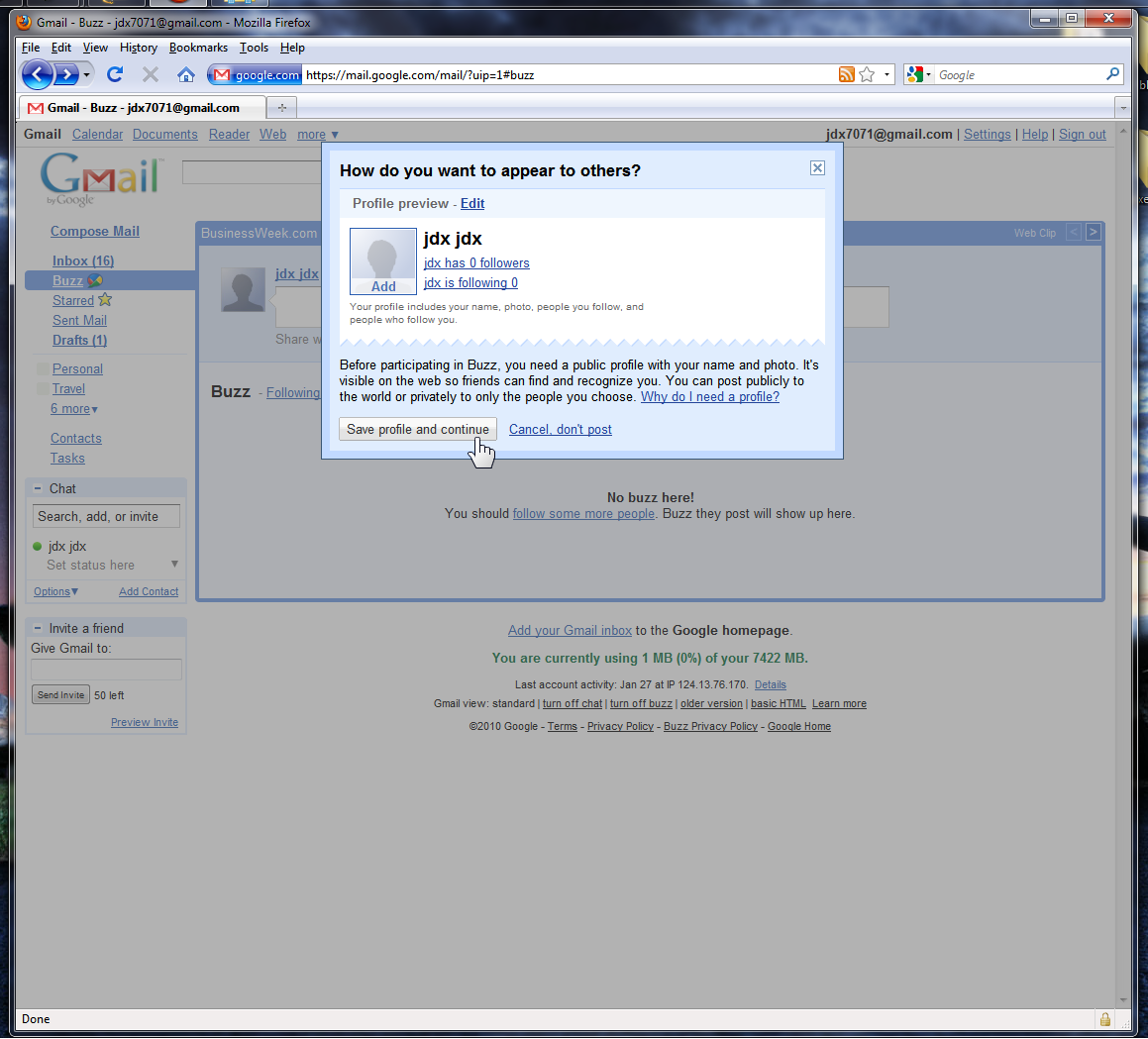 Then, you can start your post/message/sharing..
 It will be shown as a buzz, and your follower should be able to read what you write. For me it is like a Twitter build into Gmail.
 You can visit Google Blog about the Google Buzz:
http://googleblog.blogspot.com/2010/02/introducing-google-buzz.html
Happy Buzzing!
You can visit Google Blog about the Google Buzz:
http://googleblog.blogspot.com/2010/02/introducing-google-buzz.html
Happy Buzzing!