Just found out a funny instruction by Google Maps, shared by one of my friend on Facebook. Ok, lets move on to the steps. Visit Google Maps page http://maps.google.com/

Click on Get Directions at the top left of the page.

Type Taiwan as the Start address and China as the End address, and click Get Directions.

It will shows a list of Driving directions to China. Look careful to the list, and try to pay your attention at the item number 24. Swim across the Pacific Ocean???

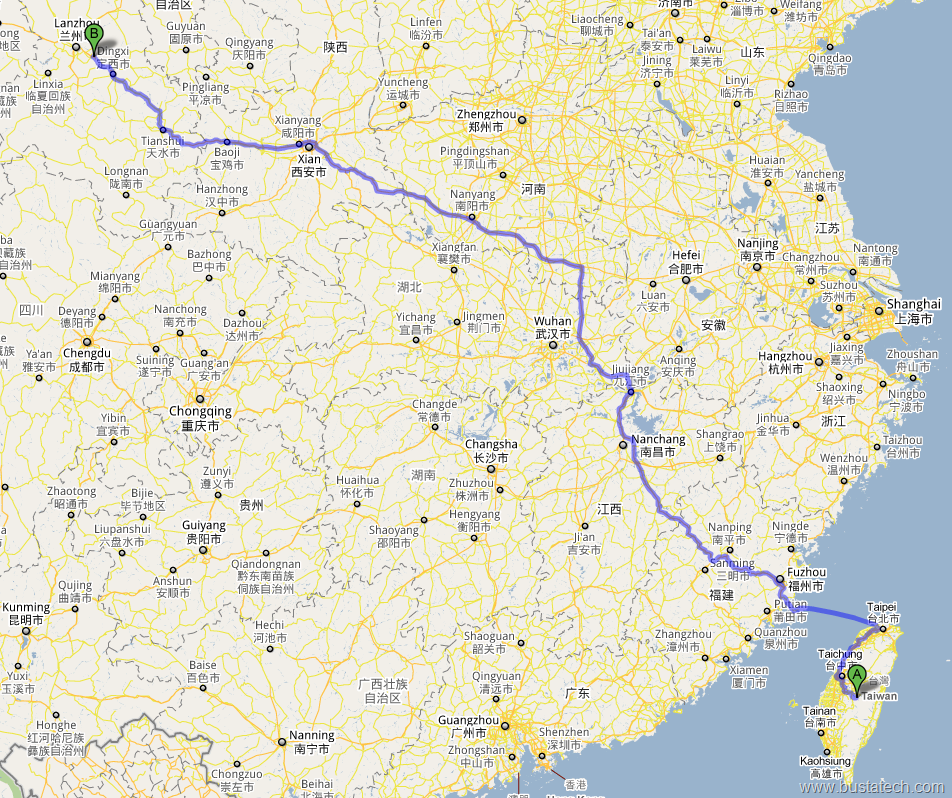
Try yours http://maps.google.com/ and please share any funny Driving directions by Google Maps here.
Update: Google removed this "swim across the ocean" easter egg years ago, so these directions no longer show it.
If you try from Japan to China, you get to ski across Pacific Ocean! #34 LOL